The best SEO tools for small, mid-size, and enterprise sites — from Google Search Console and Ahrefs to Screaming Frog, Clarity, Claude, and ChatGPT.
SEO tools turn guesswork into a repeatable workflow. Here are the 20 SEO tools we rely on daily, across measurement, keyword research, technical audits, and AI-assisted content — whether you’re managing a small website, a mid-size site, or an enterprise domain portfolio.
1 – Google Search Console
Google Search Console (GSC) is Google’s free webmaster tool for monitoring how a site performs directly in Google Search.
Price: free.
Use it for index coverage reports, Core Web Vitals and mobile usability data, manual action alerts, structured data validation, sitemap submission, URL inspection, and query-level clicks, impressions, CTR, and average position.
Two recent additions are worth a closer look in a dedicated post: Platform properties, which let you connect and track Instagram, TikTok, X, and YouTube accounts directly inside GSC, and a new Generative AI performance report, which surfaces impression data for AI Overviews, AI Mode, and Discover’s AI features.
It remains the starting point for any technical SEO audit, regardless of site size.
2 – Bing Webmaster Tools
Bing Webmaster Tools is Microsoft’s free equivalent to Google Search Console, covering indexing status, crawl errors, backlinks, and keyword performance on Bing.
Price: free.
It also now includes an AI Performance report, showing how often a site’s content is cited as a source inside Microsoft Copilot, Bing’s AI-generated summaries, and select partner integrations, with metrics like grounding queries and citation counts.
It’s the closest thing to official reporting the industry has for Generative Engine Optimization (GEO) so far.
3 – Google Analytics
Google Analytics (GA4) is Google’s event-based web analytics platform, replacing the old Universal Analytics model.
Price: free, with an enterprise-grade Analytics 360 tier available on custom quote.
Use it for traffic segmentation, conversion and goal tracking, funnel exploration, audience building for remarketing, and attribution modeling. It pairs directly with Looker Studio and Google Ads for reporting.
4 – Microsoft Clarity
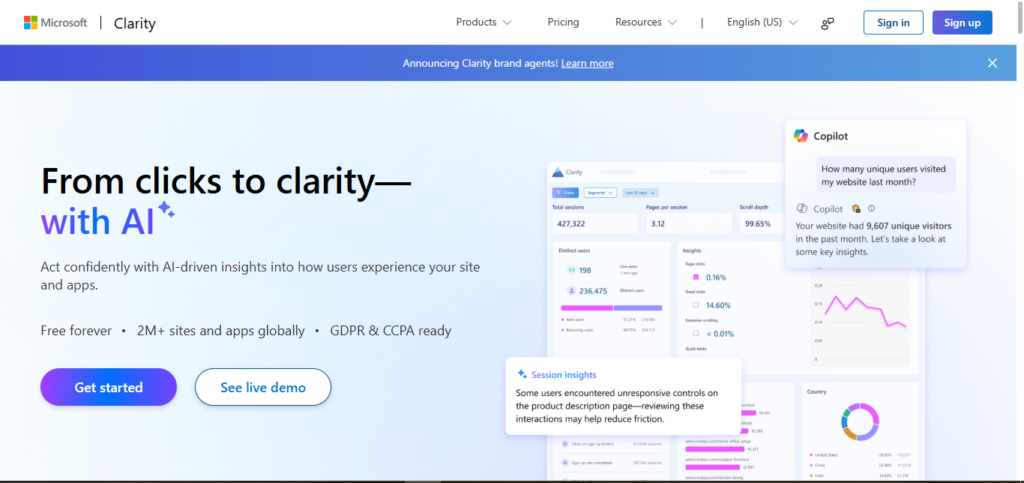
Microsoft Clarity is a free behavioral analytics tool from Microsoft that complements GA4’s numbers with visual context.
Price: completely free, no paid tier, no traffic caps.
Use it for session recordings, heatmaps (click, scroll, and area heatmaps), and automatic rage-click and dead-click detection to spot UX and conversion issues that standard analytics reports miss.
5 – Google Tag Manager
Google Tag Manager (GTM) is Google’s free tag management system for deploying GA4 tags, conversion pixels, heatmap scripts, and custom JavaScript/HTML without editing site code.
Price: free, including support for server-side tagging containers.
It reduces developer dependency and speeds up tracking implementation across CMS platforms like WordPress, Shopify, and headless setups.
6 – Google Keyword Planner
Google Keyword Planner is Google’s native keyword research tool, built into Google Ads.
Price: free, though a Google Ads account is required and search volume ranges narrow once you’re running active spend.
Use it for search volume estimates, keyword competition levels, CPC bid ranges, and seasonal trend data , a reliable first-party data source for both PPC and SEO keyword discovery.
7 – Google Trends
Google Trends is Google’s free tool for tracking relative search interest over time.
Price: free.
Use it for identifying seasonal demand curves, regional interest breakdowns, related and rising queries, and breakout topics before they peak. It’s especially useful for content calendars, news-style publishing, and validating keyword seasonality that flat search-volume data misses.
8 – AlsoAsked
AlsoAsked is a keyword and search-intent research tool that scrapes and visualizes Google’s People Also Ask (PAA) data into an interactive question tree.
Price: three free searches a day without an account; paid plans start at Basic $12/month (100 credits), Lite $23/month (300 credits, adds CSV export), and Pro $47/month (1,000 credits).
Use it to map searcher intent, build FAQ content, and uncover follow-up questions competitors miss.
9 – Looker Studio (formerly Google Data Studio)
Looker Studio is Google’s data visualization and BI platform, rebranded from Google Data Studio in 2022.
Price: free tier for individuals; Looker Studio Pro starts at $9/user/month (billed per Google Cloud project) and adds organizational report ownership, SSO/IAM controls, and Gemini-assisted reporting.
Use it to build live SEO dashboards pulling from GSC, GA4, BigQuery, and Google Sheets.
10 – PageSpeed Insights (Lighthouse)
PageSpeed Insights is Google’s free performance auditing tool, built on the open-source Lighthouse engine.
Price: free.
It combines real-world Chrome UX Report (CrUX) field data with lab diagnostics to score Core Web Vitals , Largest Contentful Paint (LCP), Interaction to Next Paint (INP), and Cumulative Layout Shift (CLS) , alongside accessibility and SEO checks.
11 – Chrome DevTools
Chrome DevTools is Google Chrome’s free, built-in developer toolkit.
Price: free.
SEOs use it for JavaScript SEO debugging, rendered-DOM inspection, network waterfall analysis, mobile device emulation, and running Lighthouse audits directly in-browser — essential for auditing JavaScript frameworks like React, Vue, or Astro islands.
12 – SEO Chrome Extensions
Beyond DevTools, a handful of free browser extensions round out a daily SEO toolkit: the Ahrefs SEO Toolbar, Detailed SEO Extension, SEO Meta in 1 Click, MozBar, Keywords Everywhere, and Wappalyzer are among the most widely used, covering on-page metrics, tech-stack detection, and quick metadata checks without leaving the SERP. We’ll break down each one , features, pricing, and when to use which , in a dedicated post.
13 – Semrush
Semrush is an all-in-one SEO and marketing suite covering keyword research, site audits, backlink analysis, rank tracking, and competitor gap analysis, plus its newer AI Visibility toolkit for monitoring brand mentions in ChatGPT, Gemini, and Perplexity.
Price: Pro from $139.95/month ($117.33/month billed annually), Guru at $249.95/month, Business at $499.95/month, or the bundled Semrush One plan from $199/month.
14 – Ahrefs
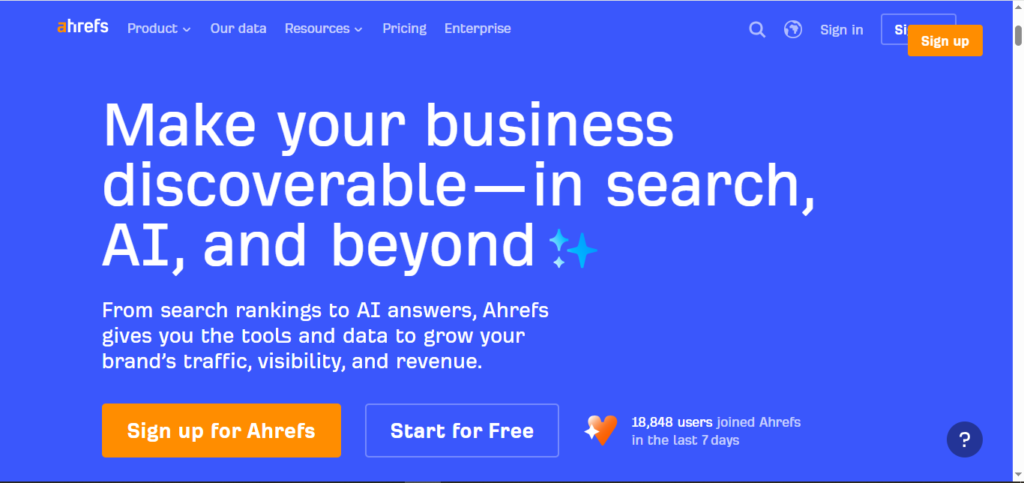
Ahrefs is a competing all-in-one SEO platform, best known for its backlink index, Site Explorer, Content Explorer, and Keywords Explorer.
Price: paid plans run Starter $29/month, Lite $129/month, Standard $249/month, and Advanced $449/month, with custom Enterprise pricing from $1,499/month.
Ahrefs also offers free Ahrefs Webmaster Tools for verified site owners, giving no-cost access to Site Audit and limited Site Explorer/backlink data for your own domain.
15 – Screaming Frog SEO Spider
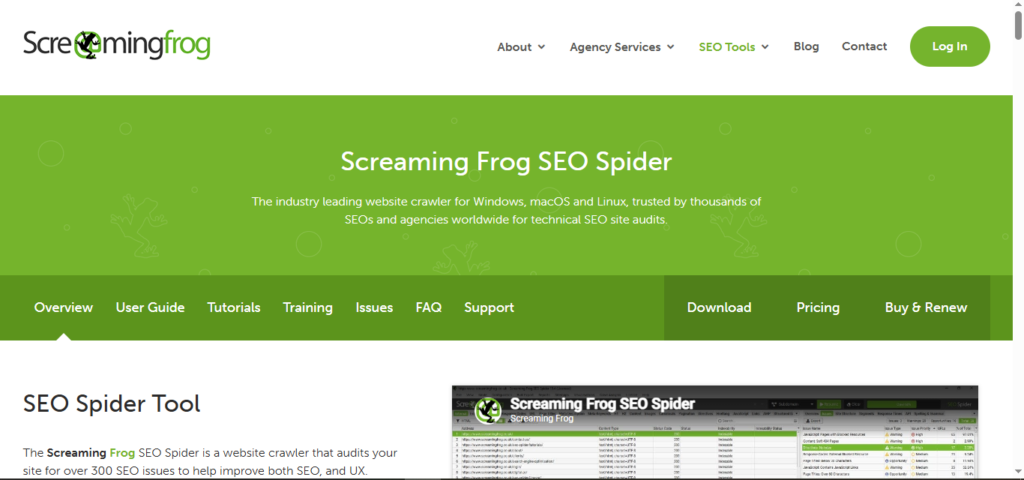
Screaming Frog SEO Spider is a desktop website crawler used for technical SEO audits: broken links, redirect chains, duplicate content, metadata analysis, XML sitemap generation, and JavaScript rendering.
Price: free for crawls up to 500 URLs; a paid license (£199/year, roughly $279 USD) removes the crawl limit and unlocks scheduling, advanced exports, and integrations with GSC, GA4, and PageSpeed Insights.
16 – WordPress SEO Plugins
For WordPress sites, on-page SEO usually runs through a dedicated plugin. The most widely used are Yoast SEO, Rank Math, All in One SEO (AIOSEO), and SEOPress , all offer free versions covering meta tags, XML sitemaps, and basic schema markup, with premium tiers (roughly $99–$199/year) unlocking advanced schema, redirect management, and internal linking suggestions.
We’ll compare them feature-by-feature in a dedicated post.
17 – Claude
Claude is Anthropic’s AI assistant, used across SEO workflows for content drafting, Schema.org structured data generation, entity research, and summarizing technical audit findings.
Price: free tier available; Claude Pro is $20/month; Max plans run $100–$200/month for heavier usage; Team plans start around $25/seat/month.
Many technical SEOs also use it for building repeatable content and coding workflows via Claude Code.
18 – ChatGPT
ChatGPT is OpenAI’s AI assistant, commonly used for keyword clustering, content brief generation, meta title/description drafting, and testing how content surfaces in AI Overviews and AI search results.
Price: free tier available; ChatGPT Go at $8/month in limited markets; Plus at $20/month; Pro at $200/month for advanced reasoning models.
19 – Gemini
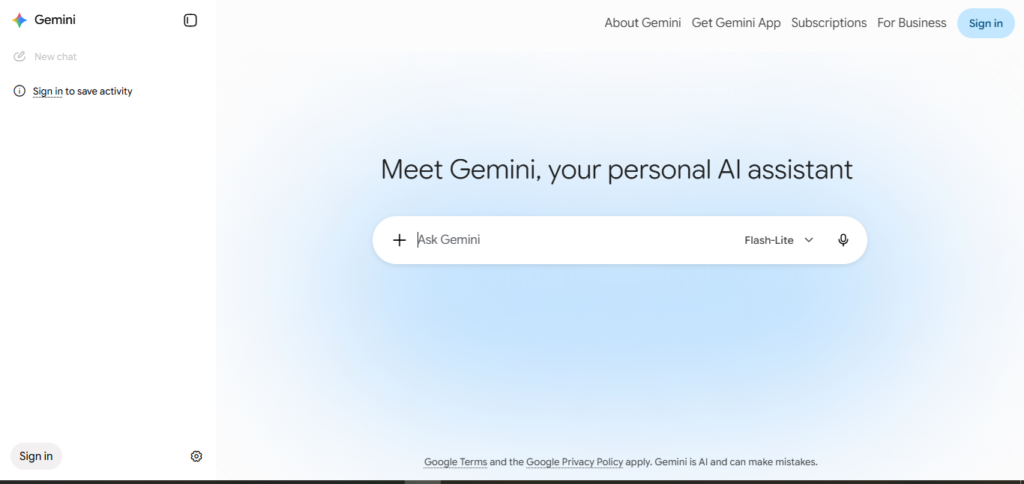
Gemini is Google’s AI assistant, integrated across Search, Workspace, and Looker Studio. SEOs use it for SERP feature analysis, content ideation, and testing visibility inside Google’s AI Overviews.
Price: free tier available; Google AI Pro at $19.99/month; Google AI Ultra at $99.99–$199.99/month for expanded limits and model access.
20 – Perplexity
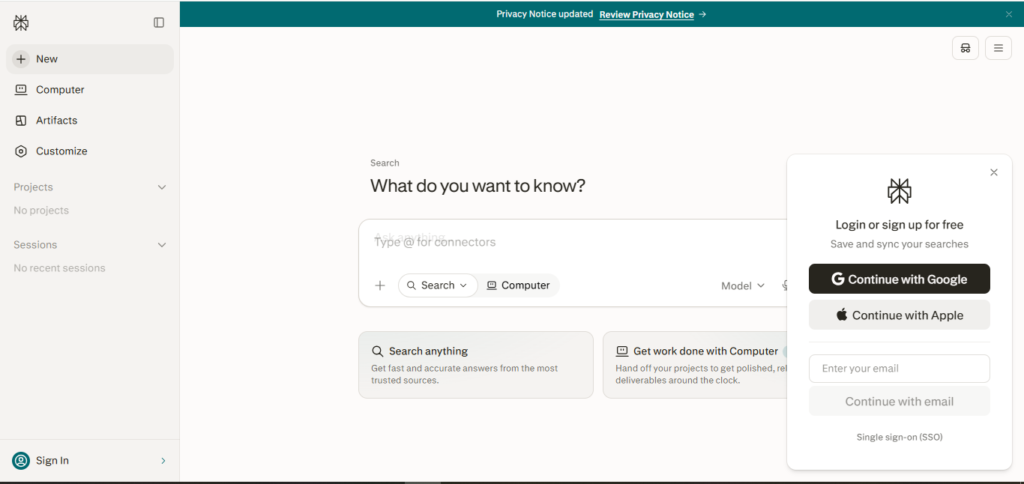
Perplexity is an AI-powered answer engine that returns real-time, cited web sources instead of a static index. SEOs use it for competitive research, fact-checking content drafts, and monitoring how brands and pages appear as citations in AI-generated answers.
Price: free tier available; Perplexity Pro at $20/month; Max at $200/month for enterprise-grade research features.
Also, you can watch Matt Diggity Video about Top 13 FREE SEO Tools to Rank #1 on Google